Is Novorésumé ATS Friendly? Best ATS Resume Builder 2026

Aktualisiert am 02/02/2026

Job seekers worry about applicant tracking systems (ATS) for good reason. ATS is everywhere - it’s the tool employers have been using for years to screen your resume for relevant job titles, degrees, skills, and any other useful information.
If the software finds a match with what the employer is looking for, your resume ends up on the hiring manager’s desk for the next step in the screening process.
But if the ATS can’t read your resume, it will miss your experience, and cost you a chance of landing the job.
So the question is simple: Does Novorésumé work with ATS? The answer is yes, and we’re going to explain why in this article.
We’ll cover:
- What Does “ATS-Friendly” Actually Mean?
- How Novorésumé Templates Behave in ATS
- Novorésumé’s ATS Parsing Scores
…and more.
Let’s get started!
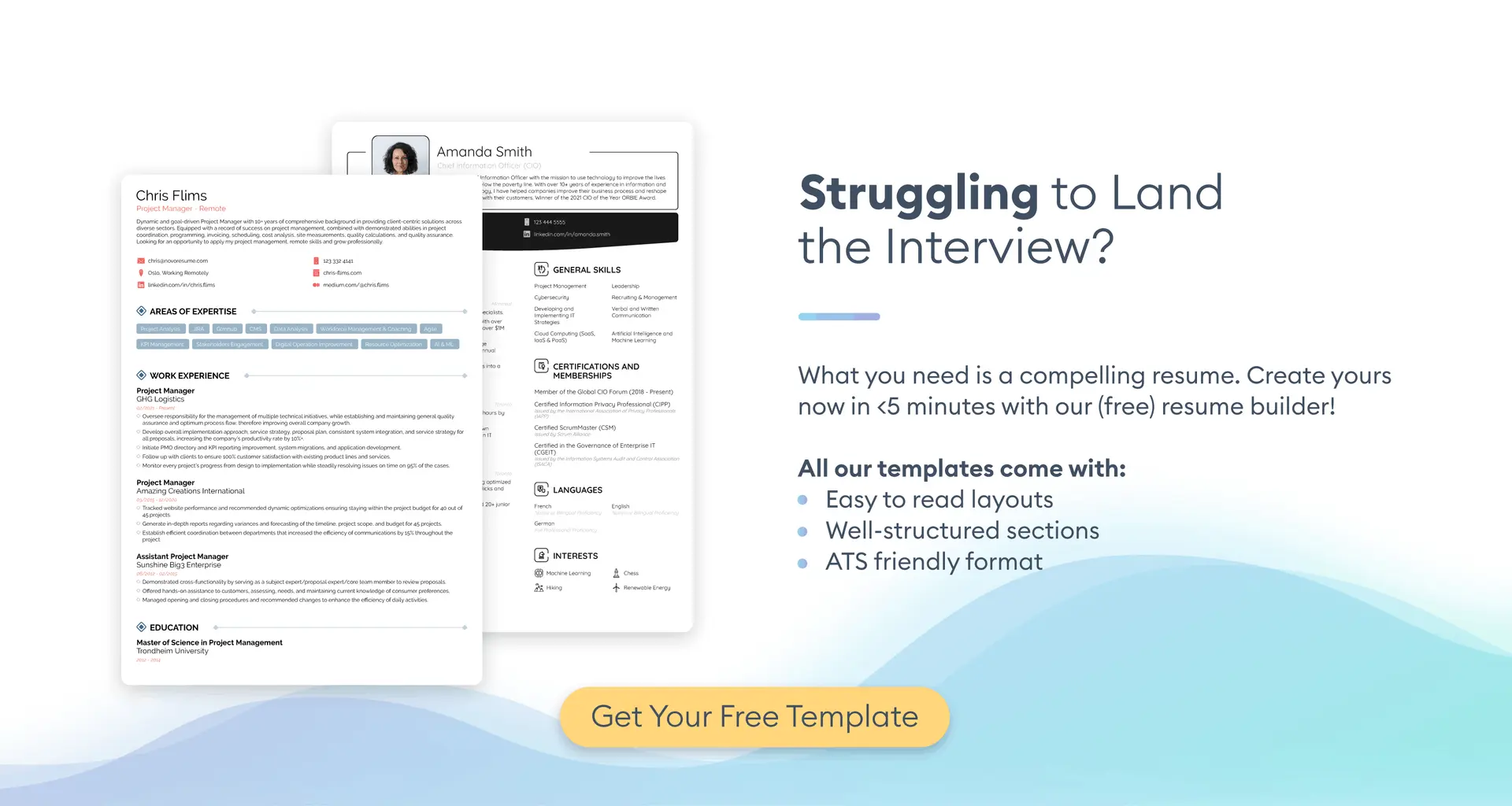
Want to make sure your resume impresses the hiring manager? Use our professional resume builder to create your resume in minutes!
Choose a resume template to get started.
What Makes a Resume ATS-Friendly?
An ATS-friendly resume is one that the software can read and index without losing any information. The applicant tracking system extracts your text into fields like titles, dates, skills, and education, then compares that data to the job description to produce a match score.
If your resume sections aren’t in clean, selectable text or the layout is hard to follow, the ATS can miss them, resulting in a lower score for your application. The higher your score, the likelier the hiring manager is going to see your resume and actually read it.
Let’s look at what the ATS looks for:
- The right file type. The best choice is PDF since it works with most modern ATS systems, but if the job posting asks for a DOC or DOCX file instead, stick to that. It probably means their system can only read that file type.
- Simple layout. A reverse-chronological resume format that reads top to bottom with no detours is a must. This way, the ATS can easily retrieve all the information it needs.
- Essential sections. Things like your contact information, work experience, education, and skills are non-negotiable. You can add optional sections like certifications, personal projects, or volunteer experience when relevant.
- Standard titles and dates. Clear section titles and consistent date formats guarantee that the ATS can actually read them.
- Keyword alignment. Phrases from the job ad, including must-have tools, skills, titles, and credentials, are a must. Carefully read the job posting and weave the requirements you match into your resume without stuffing.
- Selectable text. Don’t rely on images, icons, tables, headers and footers, or complex multi-column designs for anything important the ATS needs to scan.
- Legible typography. You need professional and easy-to-read fonts and basic bullet symbols, not fancy icons. Keep section titles around 14–16 pt and body text around 10–12 pt.
How Novorésumé Templates Work with ATS
The Novorésumé builder is based around a clean, text-first structure. The standard section titles and a simple reading order help applicant tracking systems index your job titles, dates, skills, and education without a hitch.
Each template is optimized so that key details remain selectable text once you export your finished resume, instead of compressing them to flat images. You can choose between a stylish PDF or a plain TXT format with no design elements.
You can easily customize the fonts, spacing, and individual sections, but the most important information, such as your contact details, work history entries, dates, and listed skills, all follow a consistent structure. You get to maintain a polished look while staying compatible with the ATS.
- Fixed reading order. Exporting your resume turns the design into a single top-to-bottom text stream so ATS reads sections in the correct sequence.
- Reliable default titles. Work Experience, Education, Skills, and other core sections start with conventional section titles that ATS can map without issue.
- Dates stay consistent. Our builder prompts you to apply one date style of your choice across all your entries to reduce parsing mishaps and mismatched formats.
- ATS-approved bullets and fonts. All our templates rely on common fonts and simple bullet symbols, not decorative ones that can break parsing.
- Essentials are always text. Job titles, company names, locations, skills, and contact details are kept as plain, selectable text instead of being compressed at export.
- Optional sections fit the flow. Any extra sections, whether certifications or hobbies and interests, drop in with standard titles and sit in the same linear reading order.
- Text-based PDF. You can select and copy every part of your downloaded PDF resume’s text to do a quick pre-submission check.
- Maximum compatibility. If a template includes design flourishes, you can switch to the most minimal variant and keep your content intact.
- Consistent across styles. No matter the template you choose, the sections follow the same structure and reading order, so the ATS results remain the same.
Novorésumé Parsing and Benchmark Scores
To keep this practical, we looked at an academic benchmark on resume parsing published in 2024. You can check out the study “Towards Efficient Resume Understanding: A Multi-Granularity Multi-Modal Pre-Training Approach” for more details. It’s written by researchers from the Career Science Lab at BOSS Zhipin, a large recruiting platform, along with collaborators from USTC and HKUST.
The study’s goal was pretty straightforward: test how well modern applicant tracking systems can read real resumes and compare the results to widely used baseline models.
In that benchmark, the top system reached 87.75% on the main accuracy measure. The baseline in the same results table reported 82.96% on its comparable score. To put it simply, the top performers had all the right fields, like job titles, dates, institutions, and skills, structured more reliably than the baseline ones.
The test also looked at how resumes are broken into many small pieces that the software can label. Think of each “segment” as one item, such as your job title, the company name, a date range, your phone number, a set of skills, and so on.
In this dataset, resumes averaged about 88 to 102 segments, which shows how detailed real job applications are. Measuring performance at this level matters because applicant tracking systems have to find every one of those pieces to index you correctly.
When an employer uses a contemporary ATS, like those evaluated in this study, a clean, text-based Novorésumé template can help you come out on top. With a proper ATS-friendly template, the ATS is far less likely to “drop” a title, miss a degree, or misread a date.
Recruiters get cleaner profiles with less manual fixing, and job seekers get a fairer match to the job description. All in all, your resume is more likely to be seen by a human reviewer, and you’re far more likely to land that job.